Your own AI vehicle assistant
Ask anything about your car and get answers based on its real history and mileage — from planning the next service to spotting where the money goes.
Log every service, fill-up and document. Get reminded before anything is due. See exactly what your car costs you — no clutter, no ads, no guesswork.
It replaces the glovebox receipts, the notebook, and the spreadsheet you stopped updating.
Ask anything about your car and get answers based on its real history and mileage — from planning the next service to spotting where the money goes.
By date, by mileage, or both.
Maintenance, repairs, fuel and mods per vehicle.
Registration, insurance, inspection.
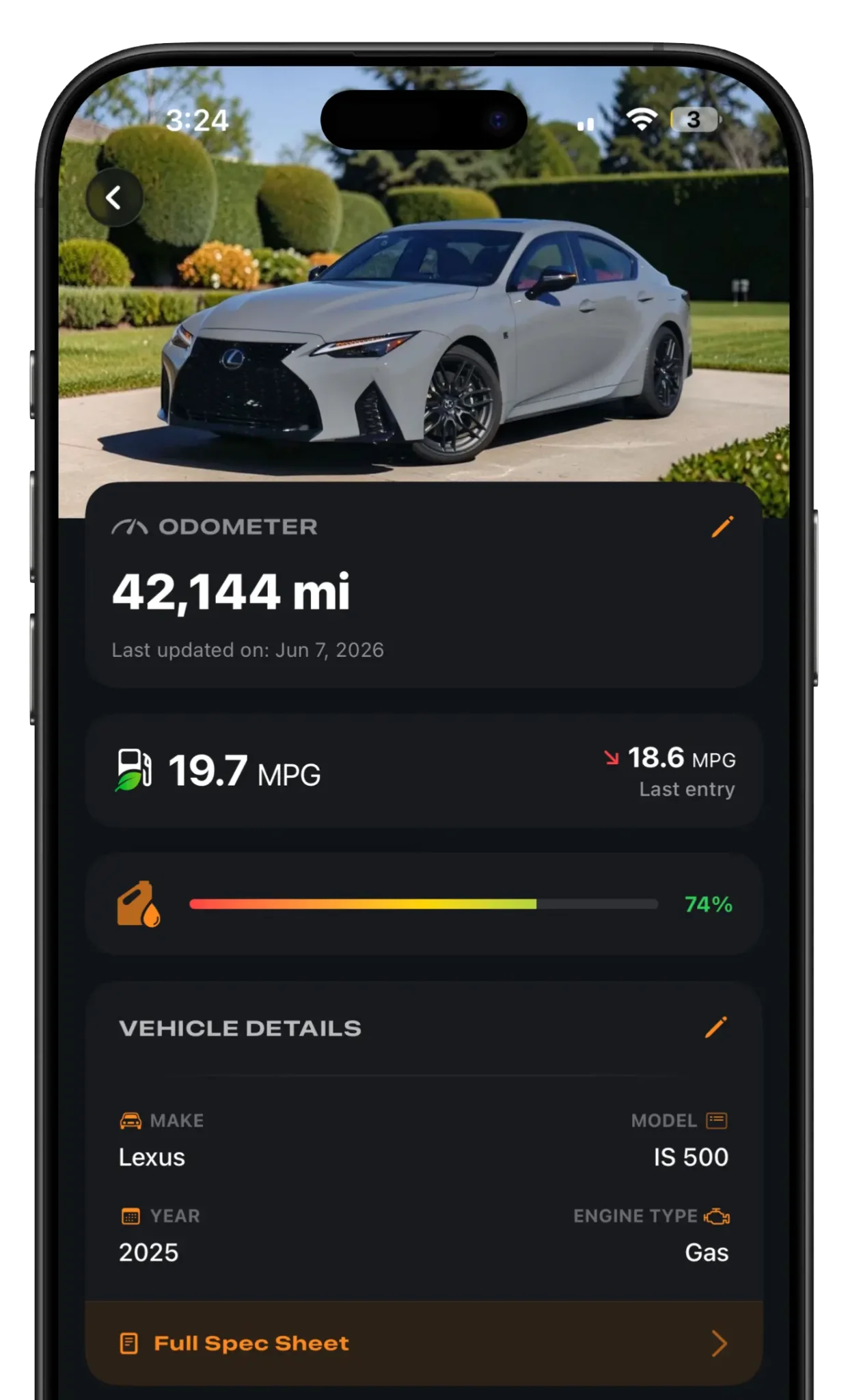
Mileage and what's next, without opening the app.
Export your full service and modification history as a clean PDF — for resale, an insurance claim, or your own files. Buyers pay more for a car with proof.
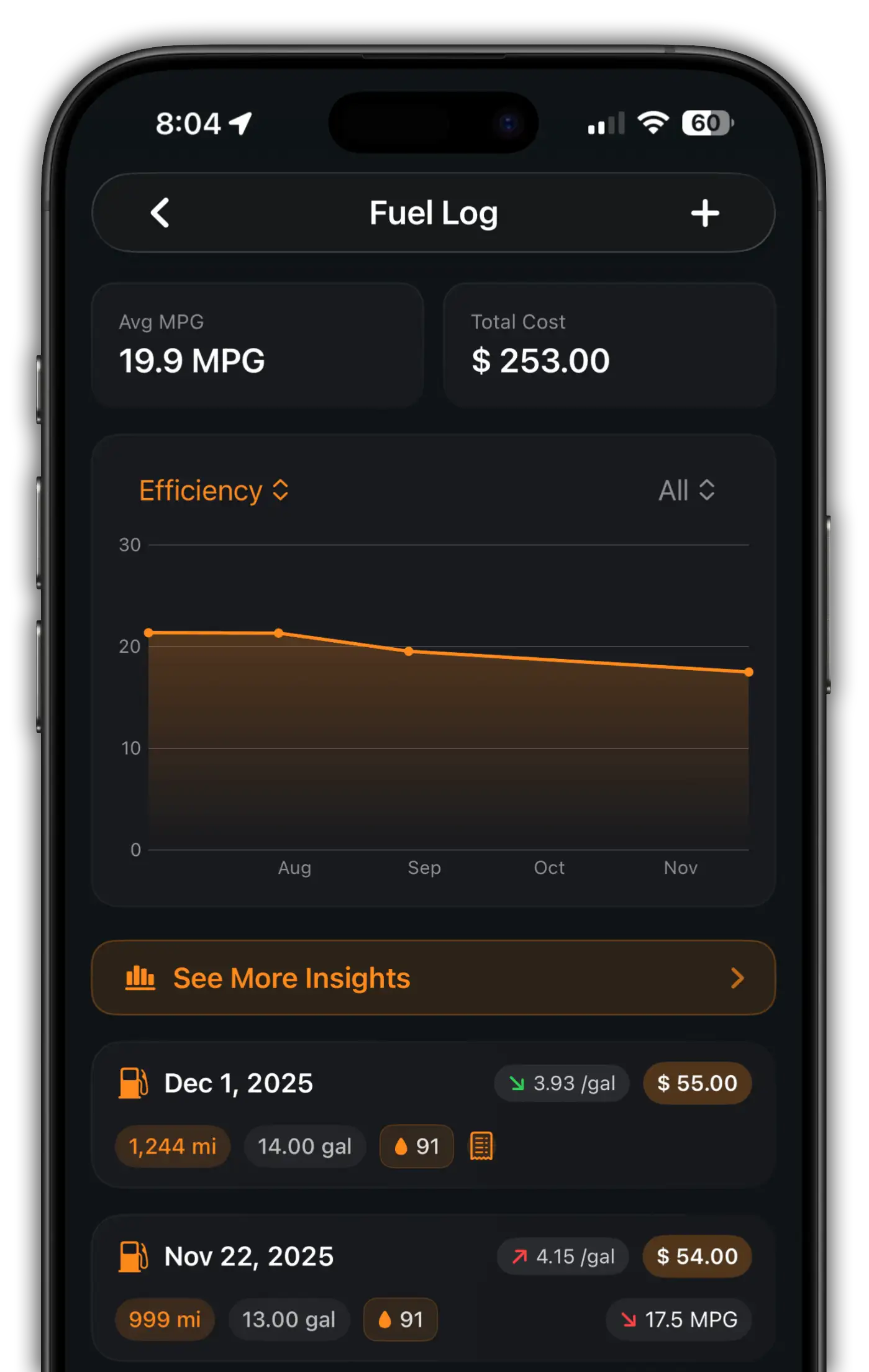
Reminders, maintenance trends, fuel efficiency, mileage and total cost — the moment you open the app.
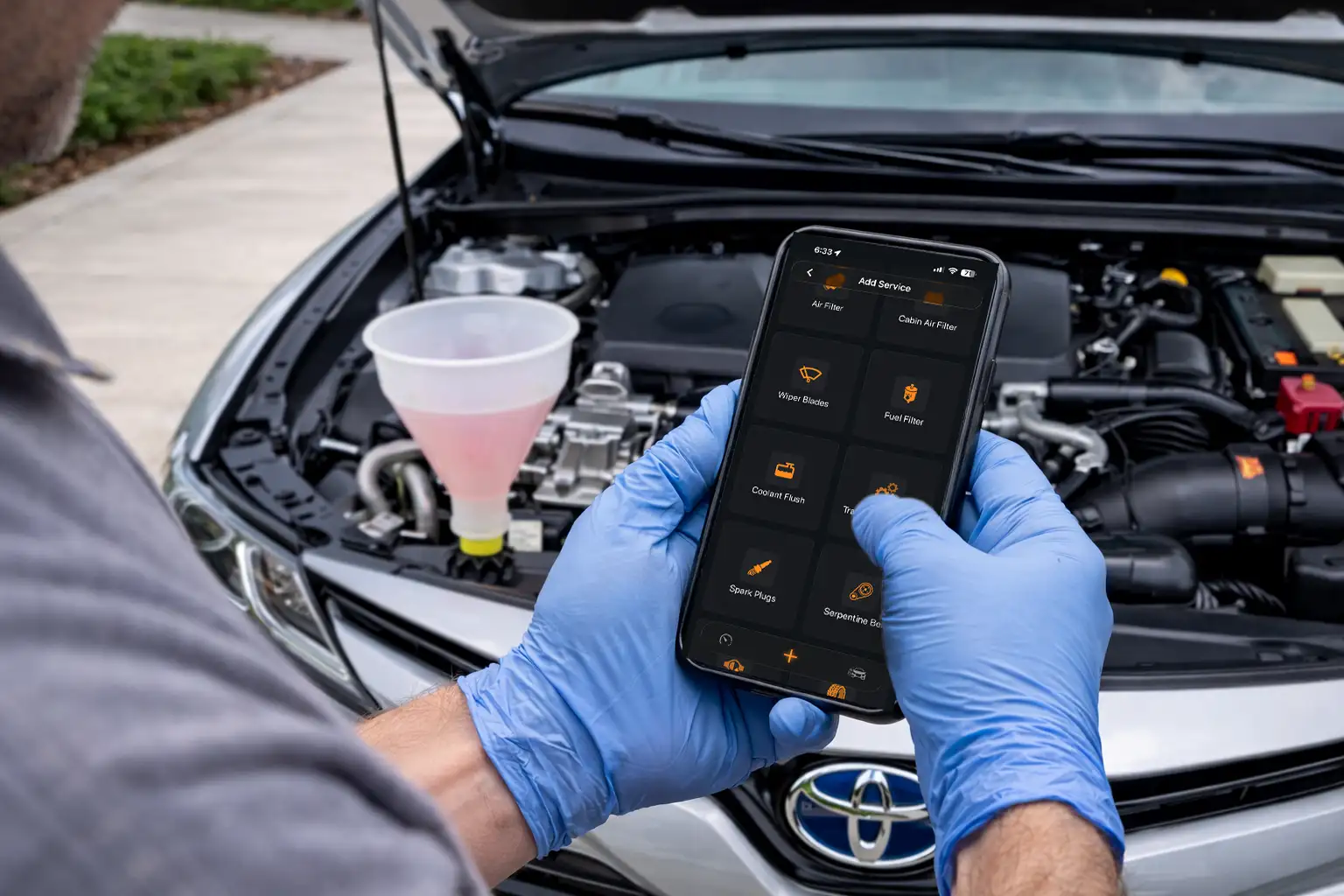
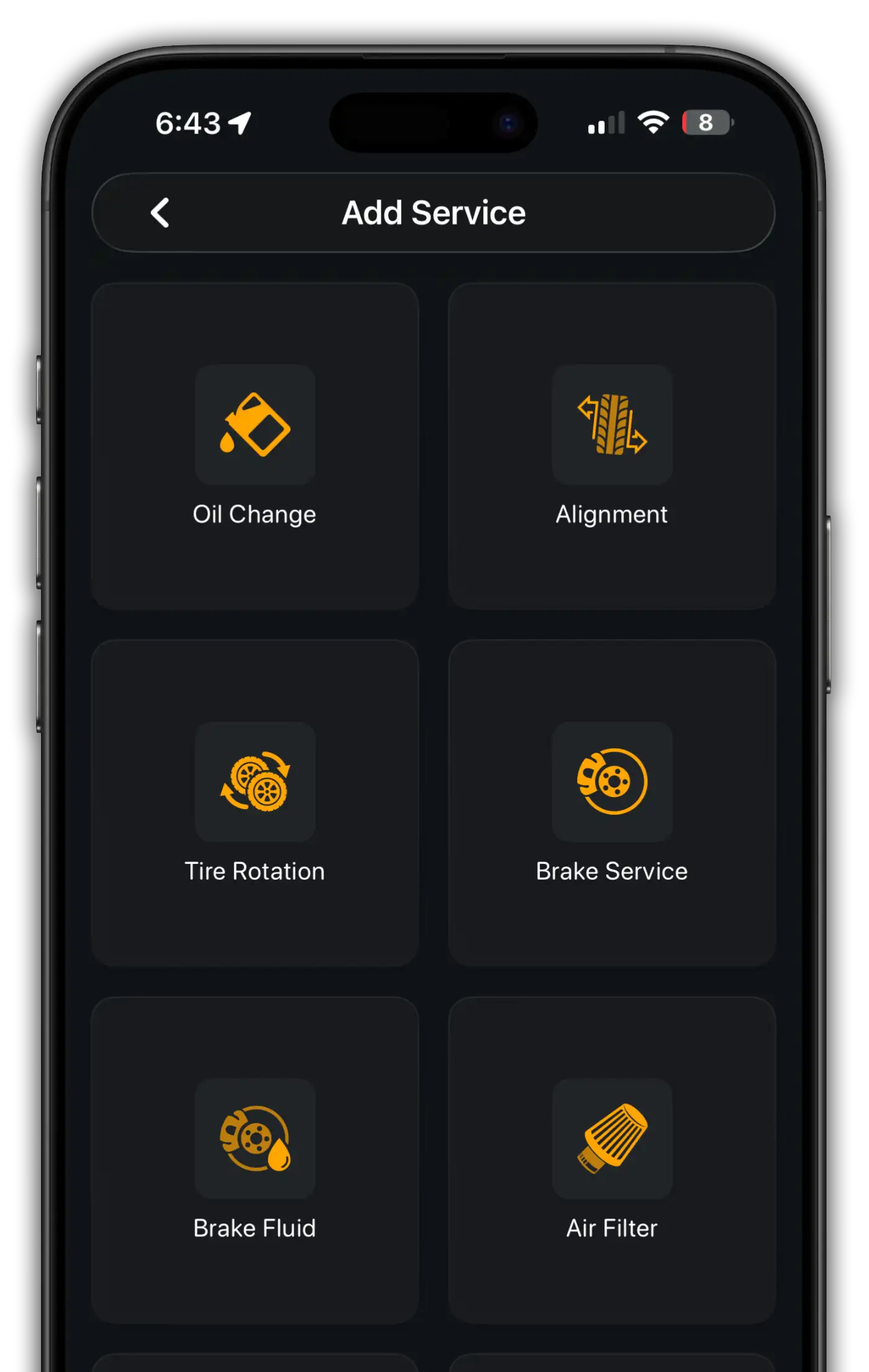
Pick a ready-made preset like Oil Change, Tire Rotation or Brake Service, or build your own to match your vehicle's real schedule.
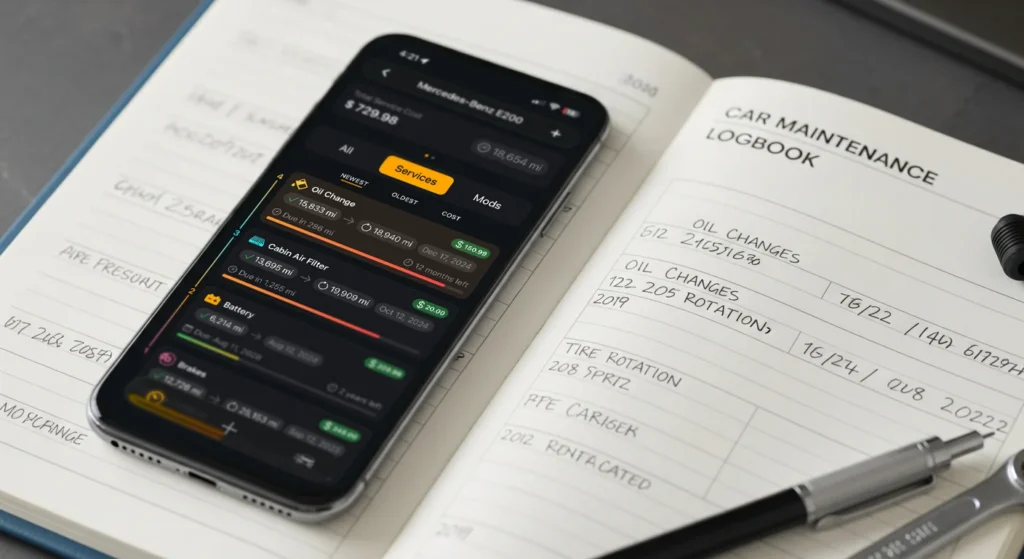
A notebook can't warn you before a service is due, and a spreadsheet can't do the math for you.
| Feature | MyAutoLog | Notebook | Spreadsheet |
|---|---|---|---|
| Reminders by date or mileage | |||
| Automatic MPG and cost totals | Manual | ||
| Receipt photos and documents | |||
| Syncs across iPhone and Android | |||
| One-tap PDF service report | Manual | ||
| AI tips for your vehicle |
Enter the make, model and odometer, or decode it from the VIN. Cars, trucks, bikes and EVs all work.
Add services, fill-ups and documents with a tap using smart presets, and attach photos of receipts.
MyAutoLog tells you what's due next by date or mileage, and shows where your money goes.
Yes. MyAutoLog is built specifically for car maintenance. It understands vehicles, services, mileage and due dates, and automatically gives you reminders and insights that a spreadsheet can't.
You spend less time managing data and more time staying on top of maintenance. Our guide to the best car maintenance app for iPhone goes through the differences.
MyAutoLog is free to download and use with one vehicle. MyAutoLog Pro adds more vehicles, PDF export of your service records and more, as a monthly or yearly subscription, or a one-time Lifetime unlock on iPhone.
Yes. MyAutoLog is available on iPhone and Android. Sign in with the same MyAutoLog account and your garage syncs between both, and Pro bought on one platform unlocks Pro on the other.
Yes. With Pro you can manage multiple vehicles in one garage: everyday cars, project cars, motorcycles, trucks or work vehicles. A MyAutoLog account holds up to 15 vehicles; larger fleets will be supported with a Fleet account.
When you sign in to a MyAutoLog account, your vehicles, service history, photos and documents are synced, so they come back on your new phone, even if you switch between iPhone and Android. On iPhone you can also keep a copy in your personal iCloud.
No. There are no ads in MyAutoLog, and we never sell your data or use your vehicle records for advertising. Read the Privacy Policy for details.

Free on iPhone and Android. Your first log entry takes less than a minute.